Roku TV Remote Control
Roku TV Remote Control - Control Roku TV easily with your phone. Fast, simple & reliable remote.
Everything You Need, Nothing You Don't
Setup in Seconds
Connect to your Roku TV in just three taps. No account creation, no confusing steps, and no cables needed. Just open the app, select your device, and start watching.
Perfect Backup Remote
Never get stuck when your physical remote goes missing or stops working. Keep this app on your phone as a reliable backup that's always ready when you need it.
Simple, Clean Interface
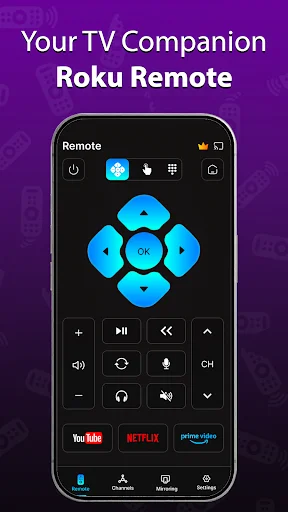
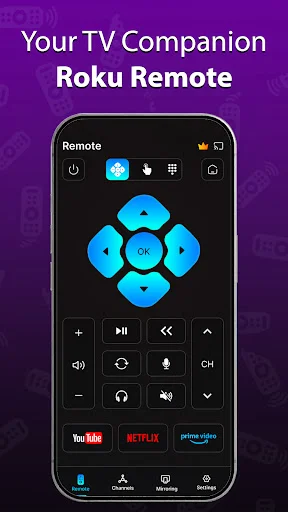
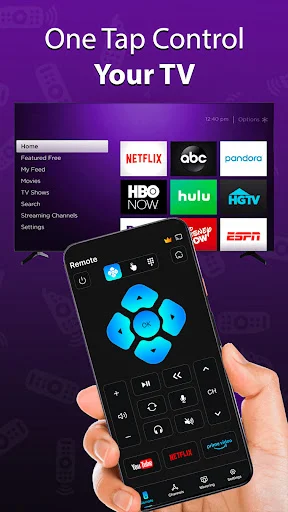
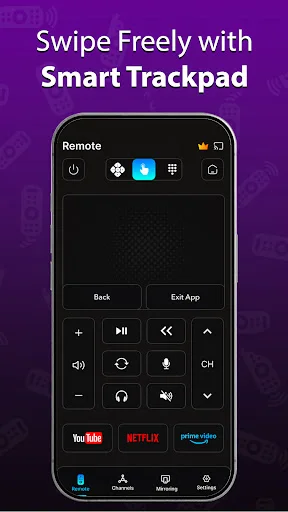
Navigate with ease using a straightforward remote layout. No cluttered screens or unnecessary buttons – just the essential controls you use every day.
Fast and Stable
Enjoy smooth, responsive control with a lightweight app that connects quickly and performs reliably. Built for daily use without lag or interruptions.
About Roku TV Remote Control
Roku TV Remote Control - Simple & Reliable
Turn your Android phone into a smart Roku TV remote control.
This app helps you control your Roku TV when your physical remote is lost, not working, or out of reach.
Designed for users who want a fast, clean, and easy-to-use Roku remote app without complicated steps or unnecessary features.
The app connects through the same Wi-Fi network and allows smooth navigation for everyday use.
Key Features
- Control Roku TV directly from your Android phone
- Simple and responsive directional navigation
- Fast connection over the same Wi-Fi network
- Lightweight and quick setup
- Clean, user-friendly interface
- Ideal as a backup or replacement Roku remote
How to Use
Connect your Android phone and Roku TV to the same Wi-Fi network
- Open the app
- Select your Roku device
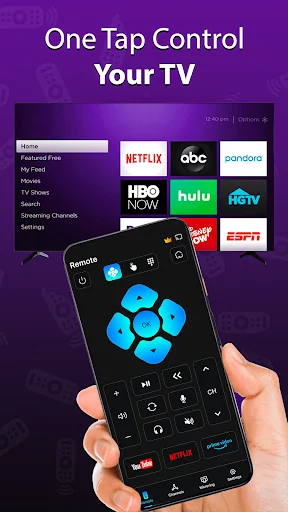
- Start controlling your TV instantly
No cables. No sign-up. No complicated setup.
Why Choose This Roku Remote App?
- Simple & stable performance
- No confusing settings
- Works smoothly for daily use
- Perfect when your physical remote is unavailable
Disclaimer
This app is not an official Roku product.
Roku and Roku TV are trademarks of Roku, Inc. and are used only to describe compatibility.
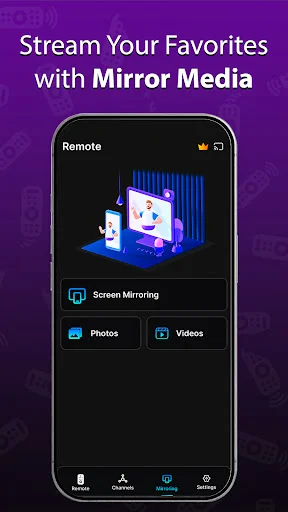
See How Simple It Really Is
← Swipe to see more → ← Scroll to see more →