Voice SMS Typing:Speak To Text
Voice SMS Typing:Speak To Text - Translate, Save Voice Memos And Send Messages With SMS Voice App: Speech To Text
Everything You Need For Voice-Based Communication
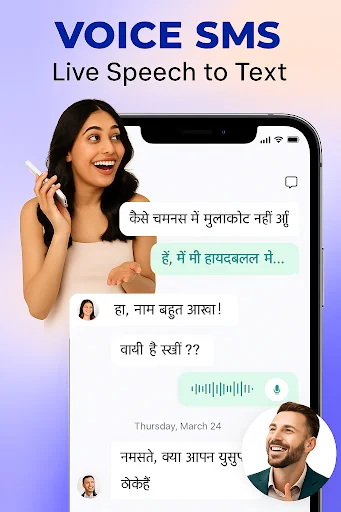
Speak Your Messages Instantly
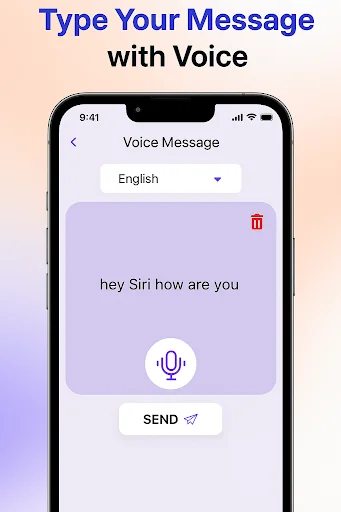
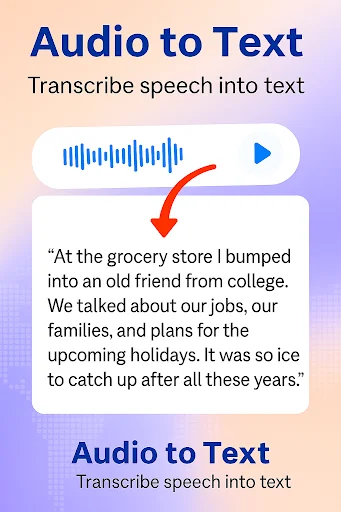
Say goodbye to slow typing. Speak clearly into your phone and watch your words become text in seconds. Perfect for quick messages when you need to communicate fast.
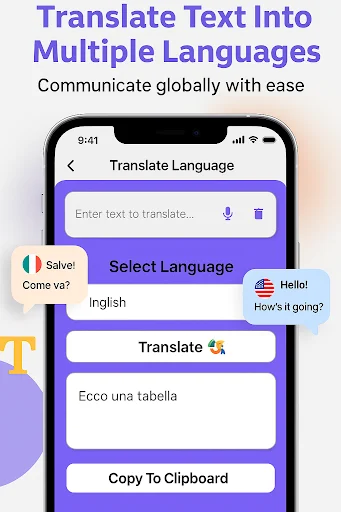
Translate While You Talk
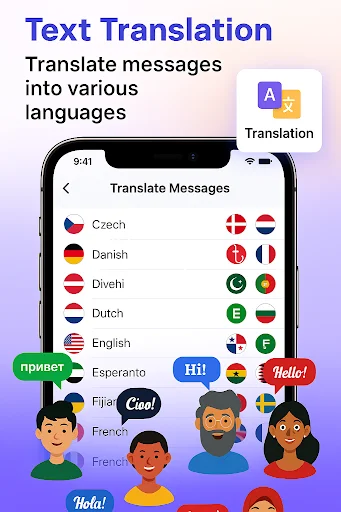
Break language barriers with built-in voice translation. Speak in your language, translate the text, and share messages with anyone around the world. Great for travel, family, and learning.
Record And Save Ideas
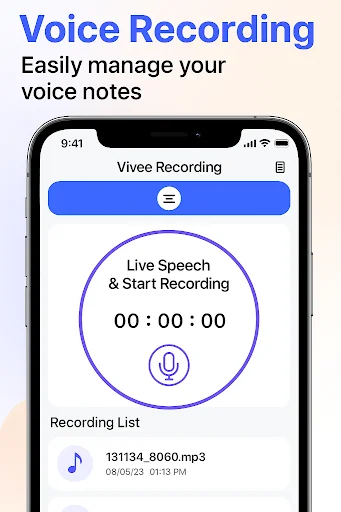
Capture thoughts, voice memos, meeting notes, and diary entries without writing a single word. Record audio clips and save them for later use whenever inspiration strikes.
Text Without Touching
Keep your hands free while creating messages. Ideal when you are cooking, driving, working, or simply find typing uncomfortable. Let your voice handle the hard work.
About Voice SMS Typing:Speak To Text
SMS Voice App: Speech To Text - Send Messages By Speaking!
SMS Voice App: Speech To Text will assist you in turning spoken words into written messages, notes, memos, and daily text with fewer manual typing steps. It is useful when you want to send a quick message, write a note, record an idea, or create text while your hands are busy.
Voice SMS Typing: Speak To Text helps users who find typing slow or uncomfortable. Speak SMS App also supports daily communication with voice input, text conversion, sharing tools, and a simple interface made for fast use.
Voice Typing And SMS Tools:
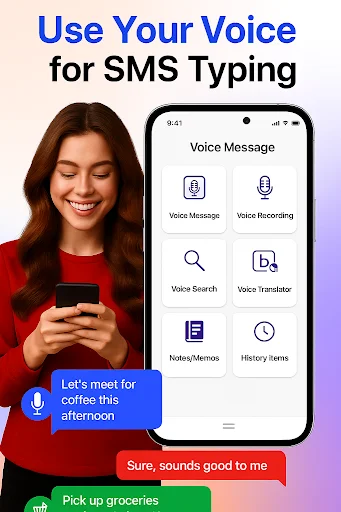
- SMS By Voice Message - Speak your message and convert it into text quickly
- Type SMS By Voice - Create SMS text without typing every word by hand
- SMS Voice App: Speech To Text - Convert speech into messages, notes, and memos
- Voice SMS Typing: Speak To Text - Use voice input for faster mobile writing
- Speak SMS App - Send, save, copy, or share converted text when needed
- Voice Translator - Translate spoken text into other languages
- Voice Recorder - Record audio, save voice clips, and use them later
Speak, convert, translate, record, and share your text!
SMS By Voice Message is helpful when you want to speak naturally and turn your words into a message in seconds.
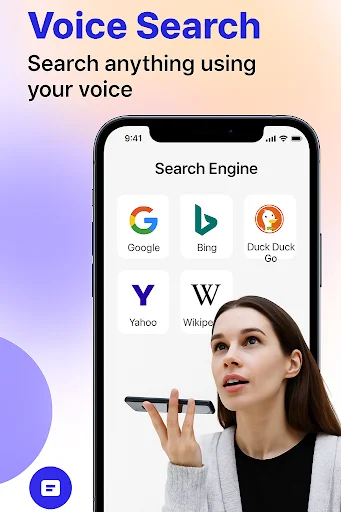
Type SMS By Voice also gives you more flexibility beyond SMS. You can write diary entries, create voice memos, take notes, search by voice, record audio, and convert spoken words into text for easier sharing.
Simple Voice Message Flow:
- Open Speak SMS App, and choose the voice typing tool
- Speak clearly into the microphone
- Use SMS Voice App: Speech To Text to convert your speech into written text
- Translate the converted text if another language is needed
- Edit, copy, save, or share the final message
- Use Voice SMS Typing: Speak To Text when you want to send the result as SMS
- Record voice clips or save memos for later use
Voice Translator And Language Support:
SMS By Voice Message is useful when communication needs more than one language. You can speak in one language, translate the result, and share the converted message with someone who understands another language. This makes the app helpful for travel, learning, family conversations, or quick multilingual messages.
Recorder, Notes, Memos, And Diary Writing:
Type SMS By Voice is not only for sending short texts. It can also help you record thoughts, save voice memos, create daily diary entries, and capture meeting or lecture notes. The voice recorder is useful when you want to keep audio first and review or share it later.
Faster Communication With Less Typing:
Speak SMS App keeps the process simple for users who want to talk instead of type. It can help older users, busy users, students, workers, and anyone who needs fast text creation from speech. Voice SMS Typing: Speak To Text supports quick conversion, easy editing, and simple sharing in one place.
Turn Your Voice Into Useful Text Anytime!
Whether you are sending messages, writing notes, recording ideas, translating speech, or saving voice memos, this app gives you practical tools for daily communication. SMS Voice App: Speech To Text keeps voice-based writing easier, while SMS By Voice Message helps you create messages with less effort.
See How Easy Voice Typing Really Is
← Swipe to see more → ← Scroll to see more →
Loved By Users Who Value Their Time
Quick and accurate voice to text makes this app stand out @
Language translate karna easy ho gaya @
I love the idea of this app