Signature On Docs & Photos
Signature On Docs & Photos - Signature Maker, Signature Creator, Name Signature Scanner,Digital Signature App
Everything you need to sign documents faster
Start Signing Immediately
No registration or signup required. Simply download the app and start signing your documents right away. Skip the hassle and get straight to work without creating another account.
Completely Free Forever
Sign unlimited documents and photos at no cost. No monthly fees, no hidden charges, and no restrictions. Get all the features you need without paying a subscription.
Your Data Stays Private
All documents are processed directly on your device with no cloud or server storage. Your sensitive information never leaves your phone, giving you complete control and peace of mind.
Sign Any File Type
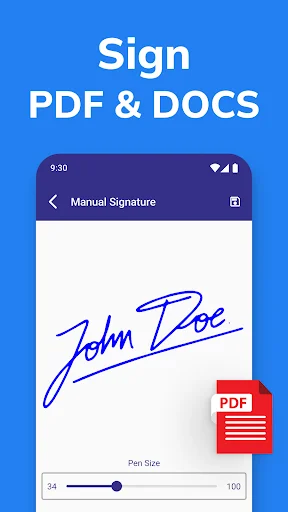
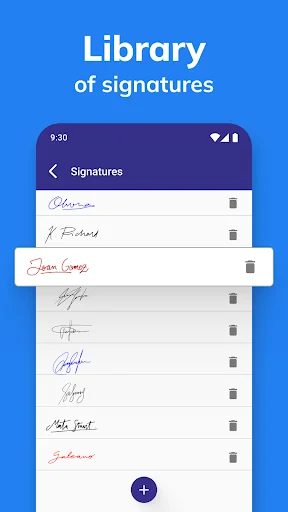
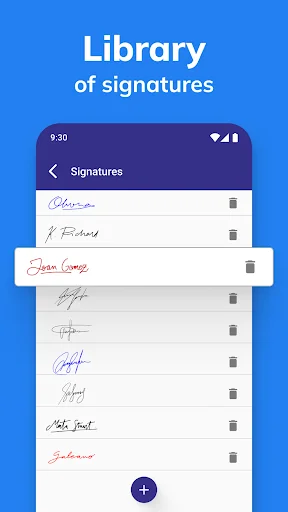
Add your signature to PDFs, Word documents, and images with ease. Create custom signature styles that look professional and save them for quick use on future documents.
About Signature On Docs & Photos
Sign Maker: Signature For Docs & Photos - The Best Online Signature App
Simplify Your Paperwork with Ease!
🖊️✨ Do you deal with paperwork often? You'll love Sign Maker: Signature For Docs & Photos, the best online signature app designed to make your life easier. Perfect for anyone who needs to sign and save special signatures quickly and efficiently.
Key Features of Sign Documents App:
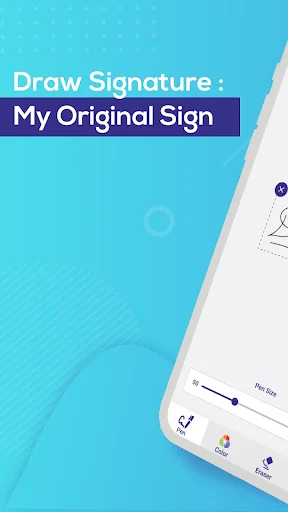
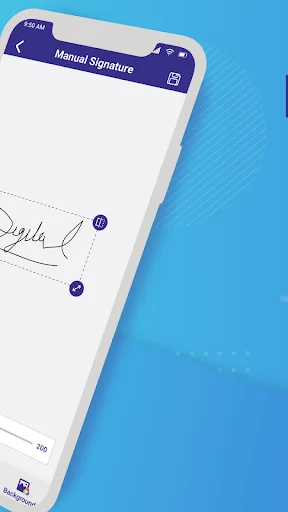
- Create your customized signature directly or sign scan online on your Android device.
- Upload documents and photos easily.
- Sign your documents and photos for free with no monthly limit.
Benefits of Using Sign Documents Easily App:
- No Sign Up/registration required to use document signing app.
- No use of cloud or server storage, ensuring your data remains secure.
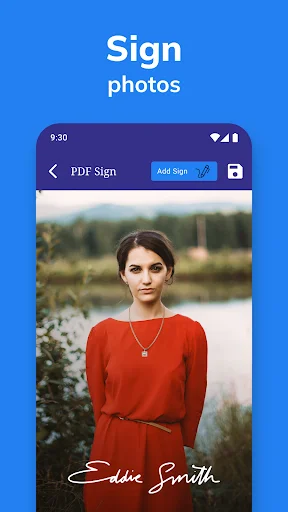
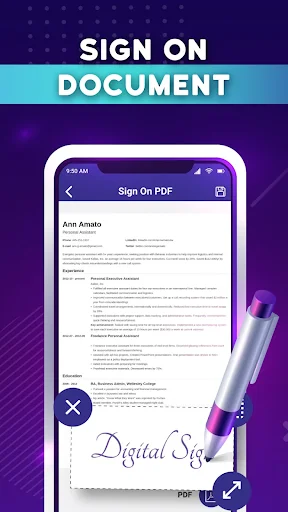
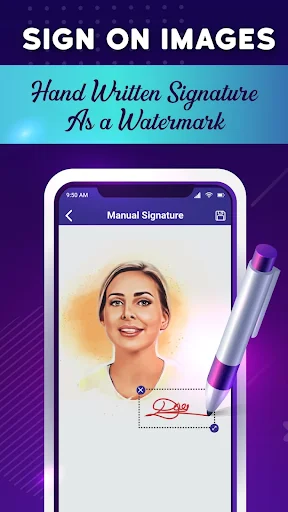
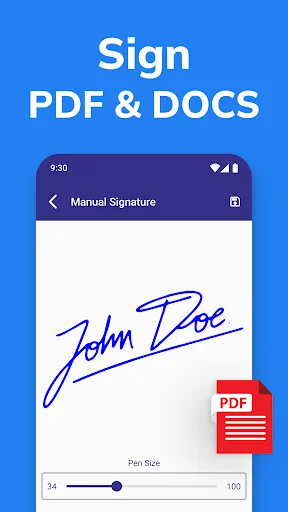
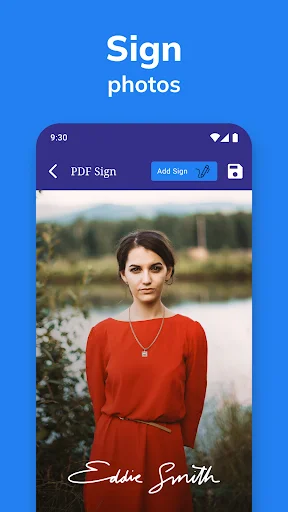
- Easily add and create signs to PDF, DOC, and images.
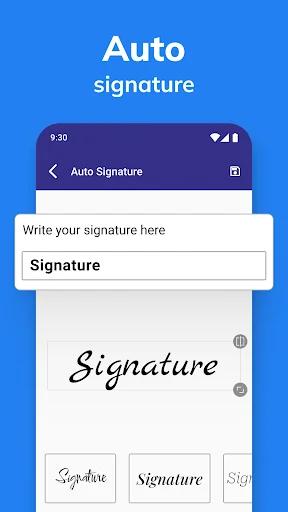
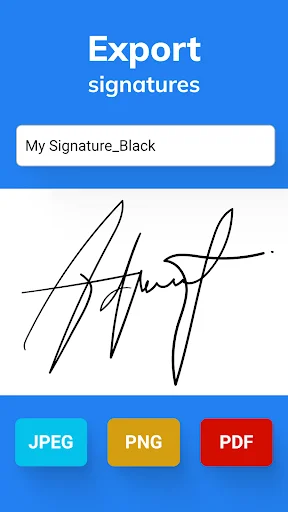
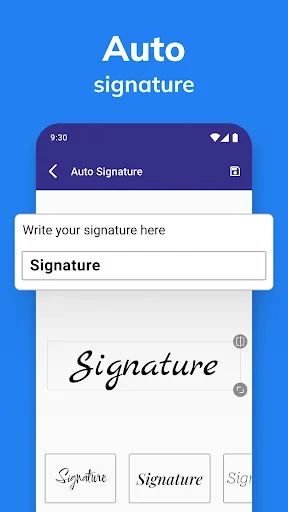
- Create a digital signature with different styles.
- Add text and then sign documents and photos.
- Stylish sign maker for your name.
- Best document signature app for Android.
- Sign scan online and make an online signature effortlessly.
💯 Sign and Fill PDF Documents Easily!
Sign Documents on Android App Privacy and Security:
Signature On Docs & Photo App ensures data and information security with industry-standard SSL encryption every time you import, sign, or finalize a document. Please note that document signing app is not authorized by the government for electronic signatures. This document signatures app is for Android only.
Why Choose Sign Maker: Signature For Docs & Photos?
The Sign Maker: Signature For Docs & Photos app lets you fill, sign, and send any form quickly and reliably. You can even snap a picture of a paper form, fill it in on your phone, then sign and send it. It's that easy—no physical documents, no printing, and no faxing needed to make an electronic or digital signature.
Start Using Now Sign Docs App!
Download Sign Maker: Signature For Docs & Photos today and simplify your paperwork! Perfect for professionals and individuals who need a reliable and secure way to sign documents on the go.
See how simple signing documents can be



← Swipe to see more → ← Scroll to see more →
Trusted by over 1 million users worldwide
I recently started using this app for signing documents, and I must say, it has significantly streamlined my workflow. The interface is intuitive, making it easy to navigate through the features. I particularly appreciate the ability to sign documents directly on my device without the need for printing and scanning..
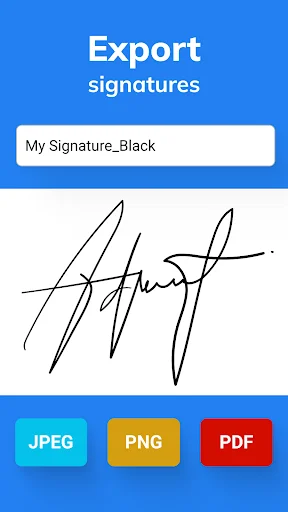
Easy to use. Create and save multiple signatures in desired or necessary file format, PNG, JPG, BMP, TFF, etc. Conveniently paste any necessary signatures directly to designated places in documents to sign them off.
it helped me sign a pdf that i urgently needed to send and i wasnt near a scanner
I just love how easy they've made it to put a signature on a pdf document.
Very effective, and has no challenges when signing one's documents
perfect app to have if signing digital documents it's a must